The picture is fine. A few wrods words are wrong.
I took a photo of our menu board and one price is already out of date.
Update a price on a menu board
My boss sent a JPG and wants the date changed by lunch. There’s no source file.
Change the date on a flyer
The AI image is perfect, except the text is gibberish.
Fix gibberish text in an AI image
What can you edit in an image?
Edit the words that are already part of a picture instead of covering the whole image with a new text layer.
Photos, screenshots, posters, and ads
Change a price, replace a wrong word, or fix a typo on price tags, product labels, app screenshots, social graphics, signs, menus, and simple poster or ad layouts. The best results come from readable text with enough surrounding background for the model to reconstruct. Guides: edit text in a screenshot and edit text in a JPG.
Edit any lettering
Type the words as they appear and what they should say. It works on any lettering, including script, handwriting, glitter and other decorative fonts. If the same words appear more than once, drag a box around the one to change.
Keep the original font, color and size
You don’t need to know which font the image uses. AI redraws the new words in the same font style as the text you select, at the same size, following its colour, weight and perspective. It does not install the exact font file, so on curved, blurry, reflective or heavily textured surfaces the match can be less close. See how to edit text in an image with the same font.
Know the privacy and quality limits
Opening an image uploads nothing. When you click Generate, the image and the text you typed are sent to the processing service for that edit (if you drew a box, only the area around it is sent); do not upload private material unless you are authorized to process it. Complex backgrounds, extreme perspective, tiny text, and low-resolution screenshots may need a second try or may produce an imperfect result.
How it works
Replace text inside your images in three straightforward steps.
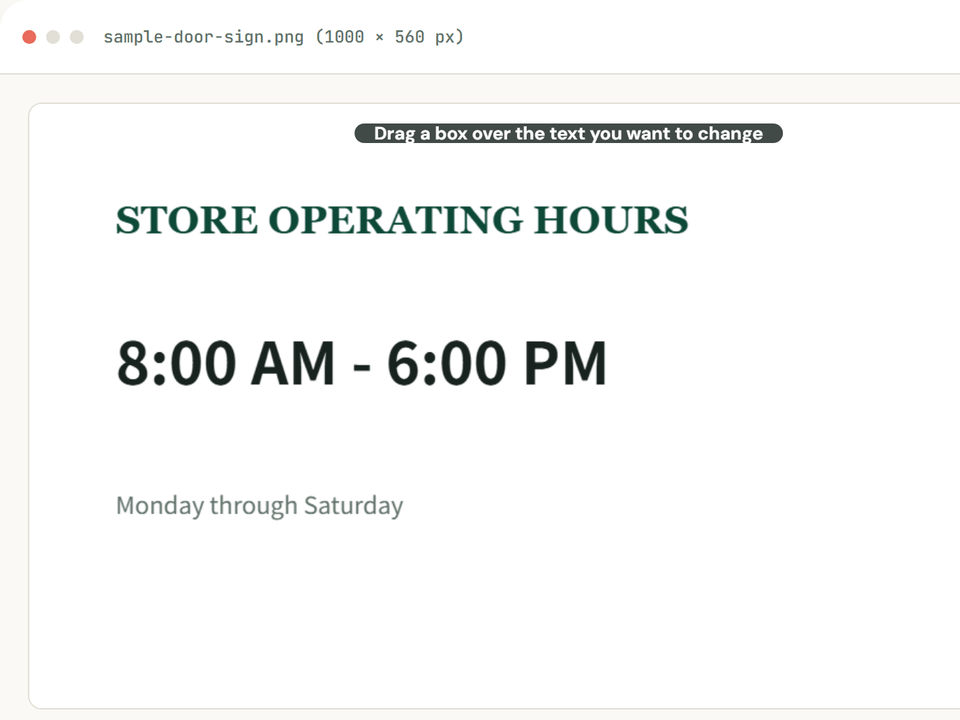
Upload your image
Select or drag a JPG, PNG, or WebP file. It opens instantly in the editor.
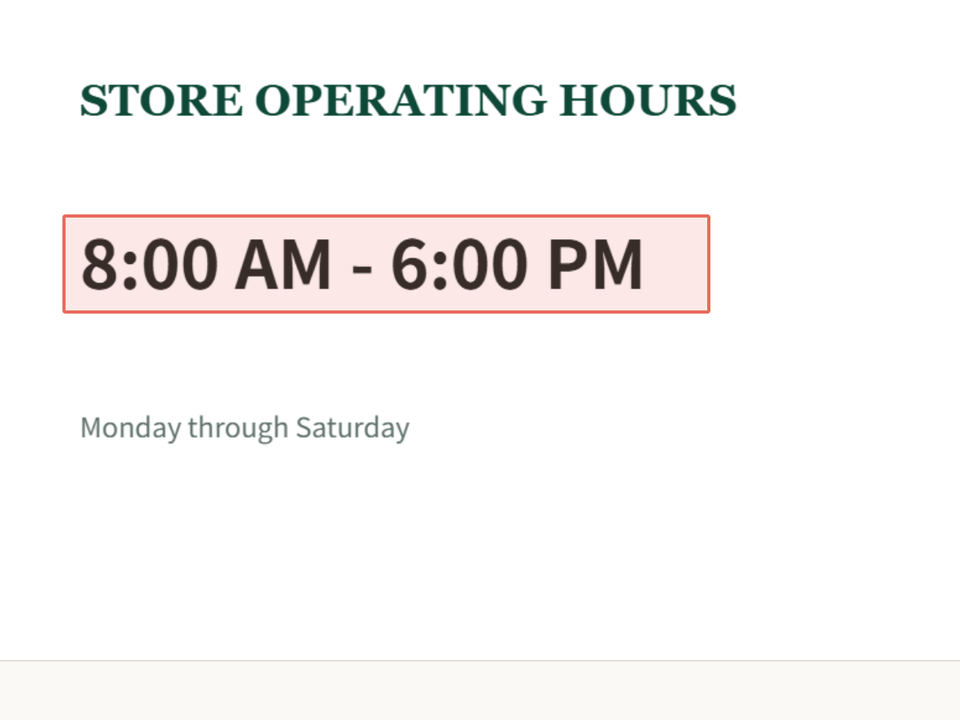
Type the text to change
Type the words as they appear in the image. Any font works, including script, handwriting and stylized logo lettering.
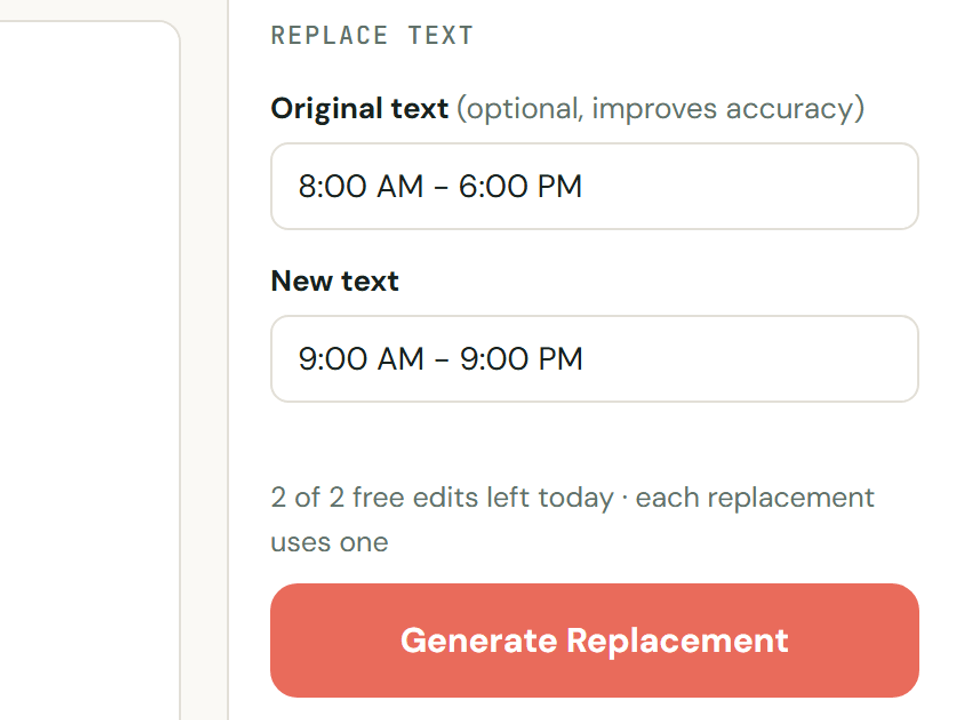
Enter replacement text
Enter the exact text you want. AI redraws it in place, matching the source image.
Edit text in screenshots
Update numbers, test parameters, and user labels on app interfaces cleanly on solid or subtle UI backgrounds.
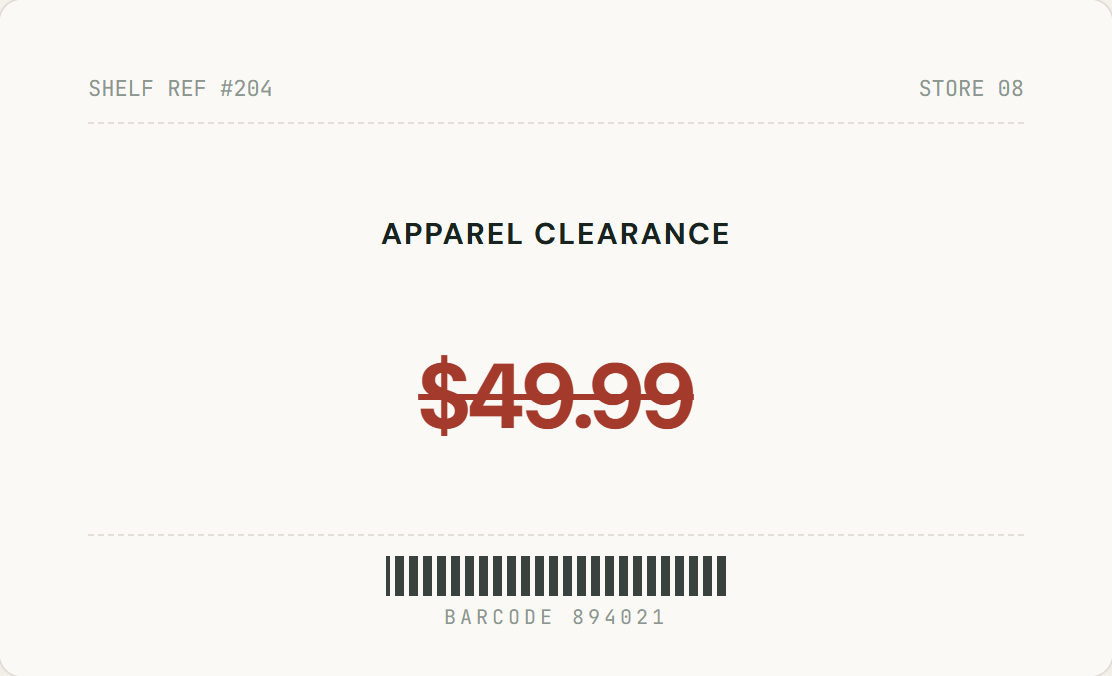
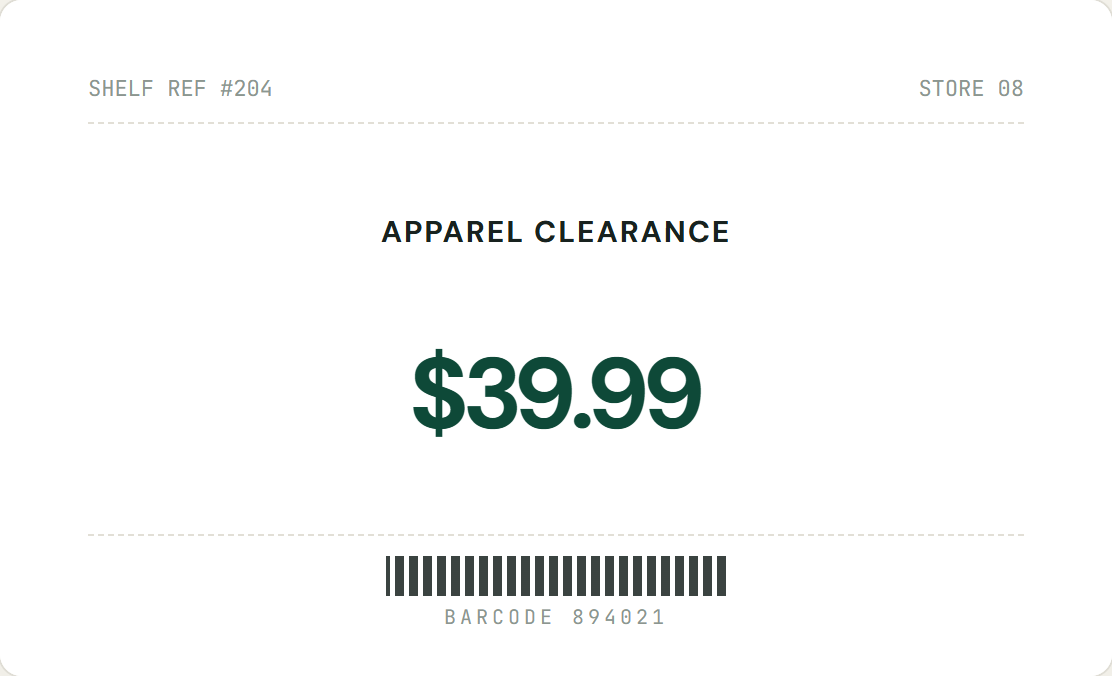
Update prices directly in an image
Modify discount figures and shelf clearance tags on flat surfaces with clean edge sampling.
Change the words, keep the picture
Once words are part of an image, they stop being text. They are pixels on a surface with its own lighting, texture and angle. That is why a new text layer never quite blends in, and why editing them usually takes Photoshop skills or the original design file.
Covering it with a new text layer
- A patch hides the old words, and the patch shows
- You have to guess the font, size and colour
- New text sits flat on top, ignoring angle and texture
Rewriting it in place with InPlaceText
- The new words are drawn into the image, not pasted over it
- Keeps the original font style, colour and perspective
- Only the edited spot changes; the rest of the image is left as it was
⌖Any Lettering
Type the words and AI finds them, including script and decorative fonts.
⟲Only the edited spot changes
Only the area with your text is replaced; the rest of the image is kept unchanged.
🔒Focused processing
Only the image and replacement details needed for your requested edit are sent for processing.
★Free, no account
2 free replacements a day, no registration needed. Sign in with Google for 3 extra edits. Zero watermarks on downloaded files.
Frequently Asked Questions
Everything you need to know about processing, text matching, and privacy.
Can I edit text in a photo I took?
Yes. Signs, menus, labels, posters and packaging in your own photos all work. Type the words you want to change and the new text.
Do I need the original file, layers or Photoshop?
No. A flattened JPG, PNG or WebP is enough. There are no layers to manage and nothing to install.
Will the replacement text match the original style?
AI redraws the new words in the same font style as the text you select, following its colour, weight, perspective and surface. It does not install the exact font file, so on curved, blurry, reflective or heavily textured surfaces the match can be less close.
Can I edit screenshots, posters, prices, or labels?
Yes. The workflow is designed for readable text in photos, screenshots, posters, ads, signs, menus, price tags, and product labels. Type the words exactly as they appear so the AI changes the right ones.
Can it fix misspelled text in AI-generated images?
Yes. Drag a box around the garbled words and type what they should say. The rest of the generated image is left as it was.
Is my image sent for processing?
Only when you click Generate. The image and the text you typed are sent securely to process that edit (if you drew a box, only the area around it). Nothing is uploaded before that.
What images are harder to edit?
Curved or reflective surfaces, tiny or blurry text, busy textures, strong perspective, and text overlapping faces or detailed objects are harder. Typing the words exactly as they appear helps, but results can still vary.
How does image processing and privacy work?
Nothing is uploaded when you open an image. When you click Generate, the image and your text are sent securely for processing. Do not upload documents or images you are not authorized to edit.
Do I need to create an account or pay?
No. Every visitor gets 2 free text replacements per day (reset at 00:00 UTC), with no sign-up, no subscription, and no watermarks on your downloads. Sign in with Google for 3 extra edits (one time). Failed attempts don’t count.
Can I edit official certificates or documents?
Only modify images you own or have legal authorization to edit. Do not use this tool to alter official identity documents, invoices, tickets, or legal certificates.
Ready to change text in your image?
Upload an image and replace words in place. Free, watermark-free, and secure.
JPG, PNG or WebP · No account required · Secure processing