The text is baked into the pixels.
In a Word file you click and type. In a JPG there is nothing to click: every letter is just coloured pixels, the same as the photo around it.
I photographed our shop sign and one word on it is spelled wrong.
Fix a typo in a photographed sign
The supplier sent the final artwork as a JPG, and a phone number in it is out of date.
Update details in a flattened image
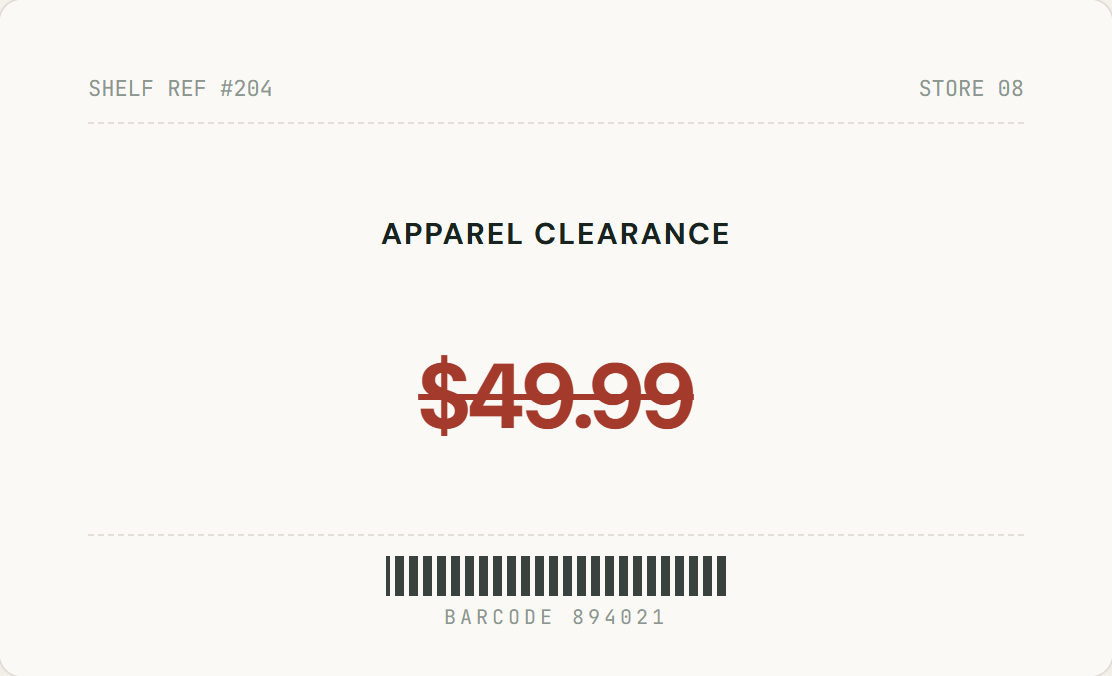
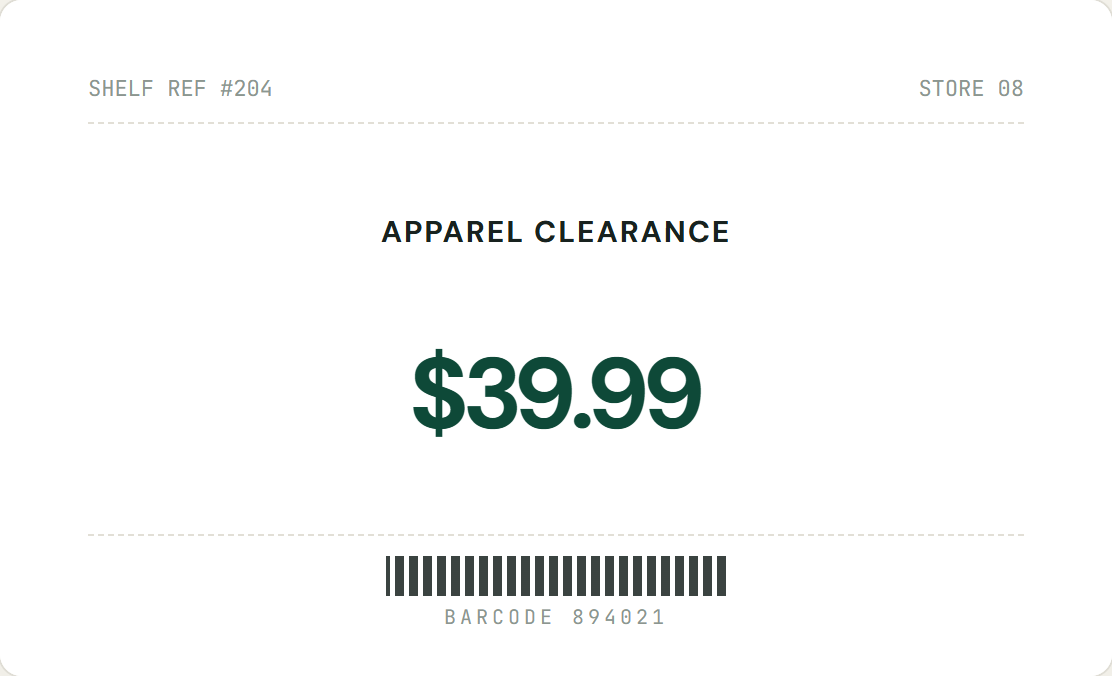
The same picture is used everywhere, and the price printed on it has changed.
Change a price or label in a product image
Which files let you edit text, and which don’t
Whether you can click on words depends on how the file was saved. A JPG is on the “no” side, which is why it needs a different approach.
The new words are drawn in the same font style, colour and weight as the original, so they don’t look pasted on. See how editing text with the same font works, how to edit text in a screenshot, or use the main image text editor for any picture.
How to edit text in a JPG
Five steps in your browser, with no design file and no Photoshop.
-
Open the JPG
Choose a JPG, PNG or WebP up to 10MB. Nothing is uploaded until you click Generate. iPhone photos saved as HEIC need to be exported as JPG first.
-
Box the words
Drag a box around the text you want to change, with a little background around it so the new words can blend in.
-
Type what it says now
Optional, but it helps with small, stylised or slightly blurry lettering because it tells the AI which characters to replace.
-
Type the replacement
Keep it close in length to the original. A much longer phrase has to be drawn smaller to fit the same space.
-
Generate, compare, download
Drag the slider to compare with the original, then download as PNG or JPG. Each Generate changes one area, and Undo is always available.
Editing a JPG: what to know about quality
JPGs are compressed pictures, so a few things behave differently from a PNG or a design file.
Only the boxed area is redrawn
The rest of the picture stays as it was. Use the compare slider after each edit to confirm.
PNG avoids another compression pass
JPG compression loses a little detail every time a picture is saved. Downloading as PNG avoids adding another round, at the cost of a larger file.
JPG gives a smaller file
For posting online or sending in a message, the JPG download keeps the file small and the format familiar.
Sharper originals work better
Tiny, motion-blurred or heavily compressed lettering gives the AI less to work from. Start from the best version of the picture you have.
Flat, front-on text blends best
Text on a sign or print photographed straight on works well. Strong perspective, curves, reflections or glare make the match less close.
Camera data is not carried over
The download is a fresh export from your browser, so EXIF data such as capture time or GPS location is not included.
Edit pictures you own
Only edit JPGs you own or are authorised to edit. Do not alter photos of IDs, receipts, certificates or other records, and do not use edits to mislead people.
Editing JPGs: questions
What works, what to expect, and how to get a clean result.
Can you edit text in a JPG?
Yes, but not by clicking on it. A JPG stores pixels, not letters, so there is no text to select. InPlaceText gets around this: you box the words, type the new ones, and AI redraws them in place in the same style as the original.
Why can’t I just type over the text in a JPG?
Because the words are part of the picture. Basic image tools can add new text on top, but they don’t remove the old words underneath, so you end up covering them by hand. Here the old words are replaced rather than covered.
Will the new text match the font in my JPG?
The AI redraws the new words in the same font style, colour and size as the text you selected. It doesn’t install the exact font file, so on curved, blurry, reflective or heavily textured surfaces the match can be less close.
Does editing reduce the quality of my JPG?
Only the area you boxed is redrawn, and the rest of the picture stays as it was. If you download as JPG, the whole image is saved once more in high quality, which JPG compression always does. Choose PNG at download time if you want to avoid that extra pass.
Can I download the result as a JPG?
Yes. Pick JPG or PNG next to the Download button. The file keeps your original name with “-inplace” added, so the original is never overwritten.
Does the edited file keep the photo’s EXIF data, such as date and location?
No. The download is a fresh export from your browser, so camera metadata such as capture time or GPS location is not carried over. This tool changes the text you can see in the picture, not the file’s hidden properties.
Can I edit a JPG on my phone?
Yes. It runs in your mobile browser: choose a photo, drag a box with your finger, type the new text and generate. iPhone photos saved as HEIC need to be exported as JPG first.
Is it free?
Yes. Every visitor gets 2 free text replacements per day (reset at 00:00 UTC), with no sign-up and no watermark. Failed attempts don’t count.
Ready to edit your JPG?
Upload a JPG and change the text in place. Free, watermark-free, and secure.
JPG, PNG or WebP · No account required · Secure processing