

Change a price, keep the layout.
Real results on a service rate board, an angled hang tag, and a seasonal clearance banner, matching the original lettering and surface texture.


Update one line on a patterned price board
Only the top haircut rate changes from $25 to $28. The damask fabric texture behind the digits is reconstructed cleanly while Wash & Blowdry, Beard Trim, and Color Touch-Up remain untouched.
Haircut $25 → Haircut $28

Rewrite a price on kraft paper without a reshoot
When seasonal pricing changes on a photographed garment tag, the new price follows the exact perspective, serif weight, and subtle fiber texture of the kraft cardstock.
$49.00 → $68.00

Swap markdown percentages on an ad campaign
Move between 70% OFF, 50% OFF, and 30% OFF across Black Friday or end-of-season sales without rebuilding the editorial layout or hunting down the condensed display font.
70% OFF → 30% OFFPrices and discounts you can update
Change shelf tags, seasonal banners, and service boards one price at a time.
Every price edit rebuilds the paper, wood, or patterned background behind the digits so the change blends into the original shot. Updating a full restaurant sheet or menu board instead of a single tag? See our guide to editing a whole menu. Need to update a product label or packaging copy instead, or extend a sale end date?
How to change a price
Four quick steps right in your browser.
Upload the photo or graphic.
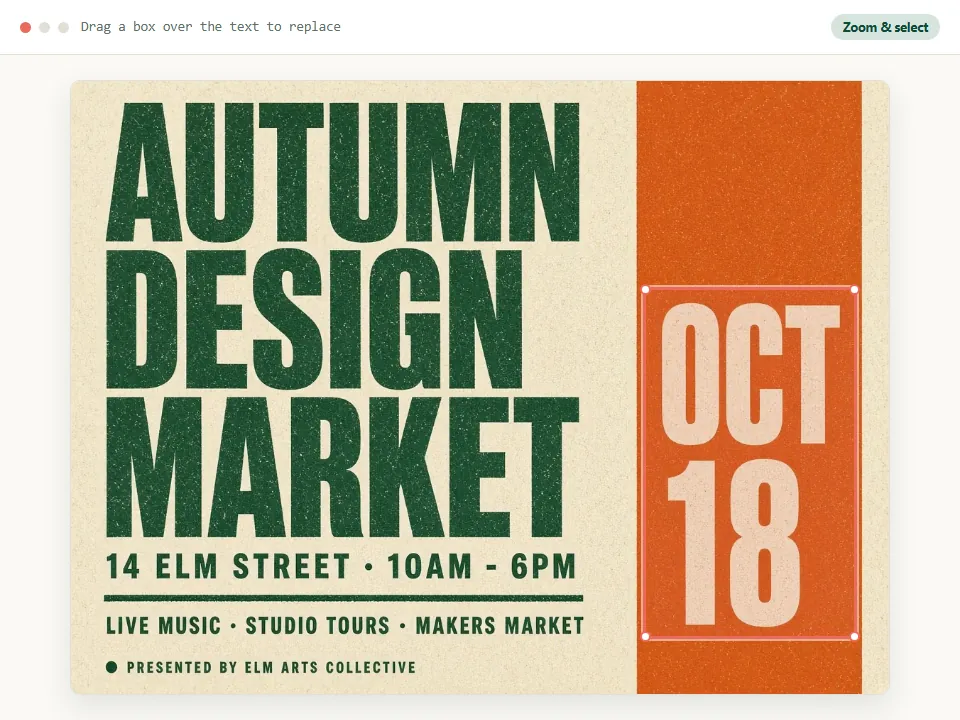
Type the price exactly as it appears, with the currency symbol and decimals.
Type the new price in the same format.
Generate, compare with the original, and download.
Getting a clean result with numbers
A few practical habits keep digits sharp and aligned with the rest of your tag or menu.
Keep the format
A new price with the same number of characters fits the original space most naturally. Going from $9.99 to $10.99 works, but the digits may be slightly narrower.
One price per edit
For a was/now pair, change the old price and the new price as two separate edits. Each Generate updates one number cleanly without touching nearby labels.
Same price shown twice?
On a multi-tier menu or bundle graphic where $19 appears on two rows, drag a selection box around the exact price you want to update so the other stays untouched.
Restoring prices after a sale ends
If your holiday or Black Friday banner ended and you lost the clean pre-sale file, change the sale price back to the regular price or swap 40% OFF back to Everyday Value.
Seasonal promos across channels
Restaurants, salons, and online stores often get a finished JPG from a designer and later tweak weekly specials, happy-hour rates, or regional currency symbols without a full redesign.
Sharp photos & free retries
Small digits in a blurry or glare-covered photo are the hardest case, so retake the photo closer if you can. If a generation fails technically, that attempt is not counted.
Use it for your own prices
This page is for updating your own promotional materials. Make sure the price you publish is the price you charge. Do not use it to alter quotes, transaction records, or any document used as proof of a transaction.
Questions about changing prices
Details specific to updating numbers, currency symbols, and angled tags.
Can I change the currency symbol, for example $ to €?
Yes. Type the old price with its symbol and the new price with the new symbol.
Will the new price match the other prices on the same tag or menu?
The new digits are drawn from the look of the price you are replacing, so they match its size, weight and color.
Can I update several prices on one menu?
Yes, one at a time. Each price you replace is one edit.
Does it work on a tag photographed at an angle?
Yes. The new price follows the angle of the original. A sharper photo gives cleaner digits.
Ready to update a price?
Upload your tag, banner, or menu image and rewrite the price in place.
JPG, PNG or WebP · Free to try · No watermark